Creating a Presale
Creating a presale on Capset is a four-step process. Once you click Create Presale and confirm the transaction, the core terms are permanently locked and cannot be modified.
Step 1 — Identity
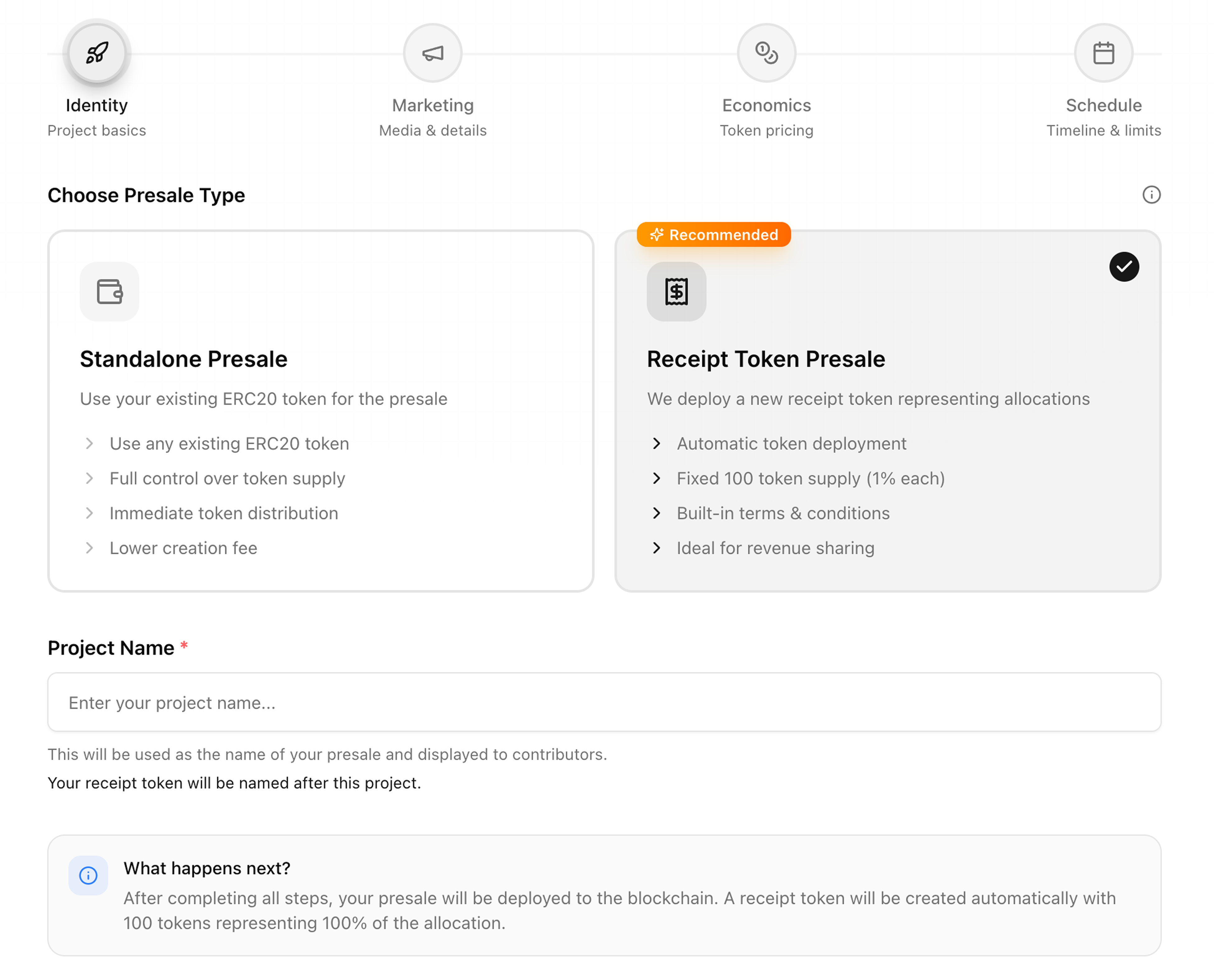
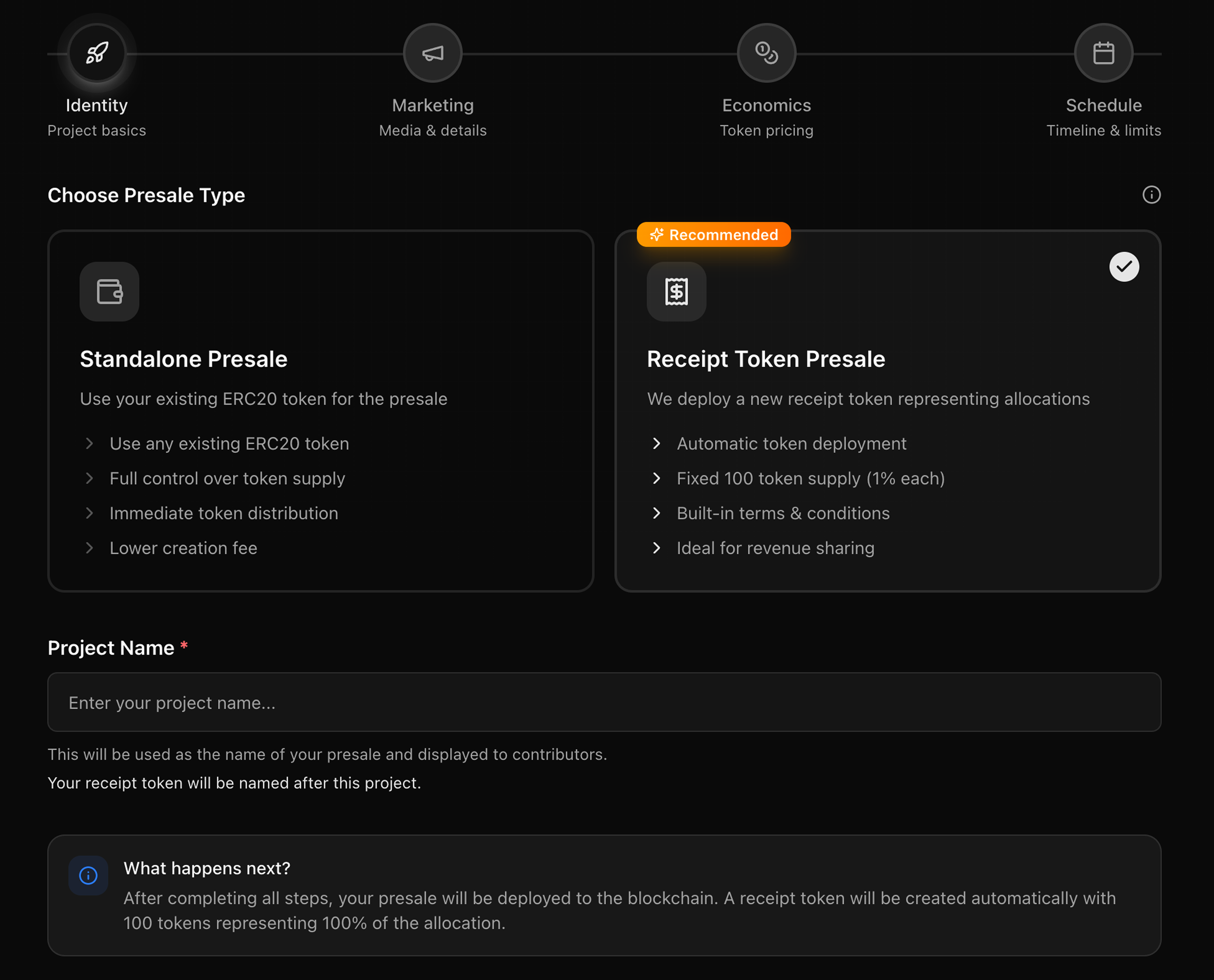
Choose your presale type:
- Receipt Token Presale (recommended) — Capset deploys a new fixed supply ERC-20 of 100 tokens representing your allocation. Each token equals 1% of the raise. Designed for teams that do not yet have a token.
- Standalone Presale — Use your existing ERC-20 token. You deposit the tokens into the contract and contributors receive them directly upon claim.
Enter your project name. For Receipt Token Presales, your receipt token will be named after your project.
Step 2 — Marketing
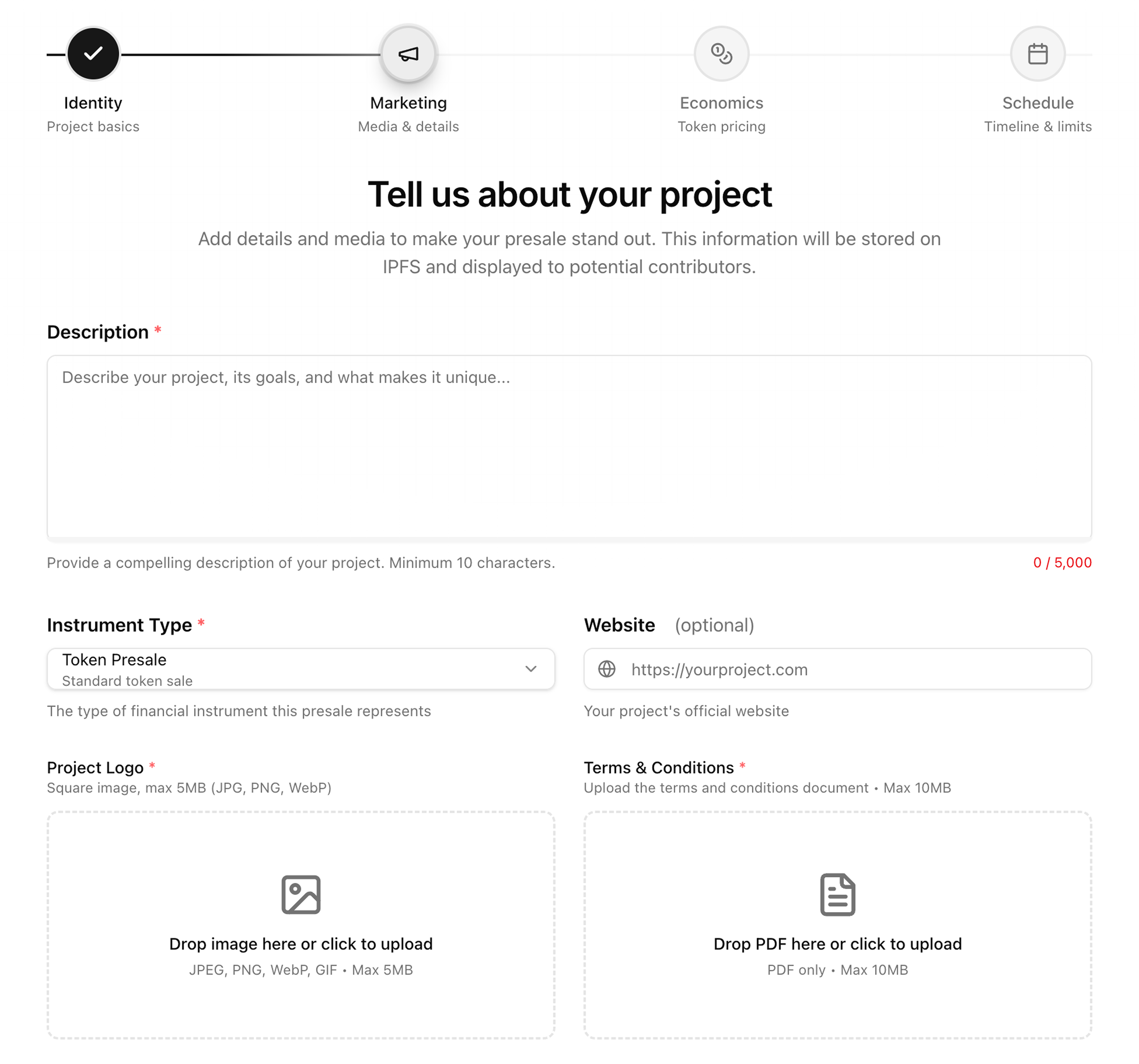
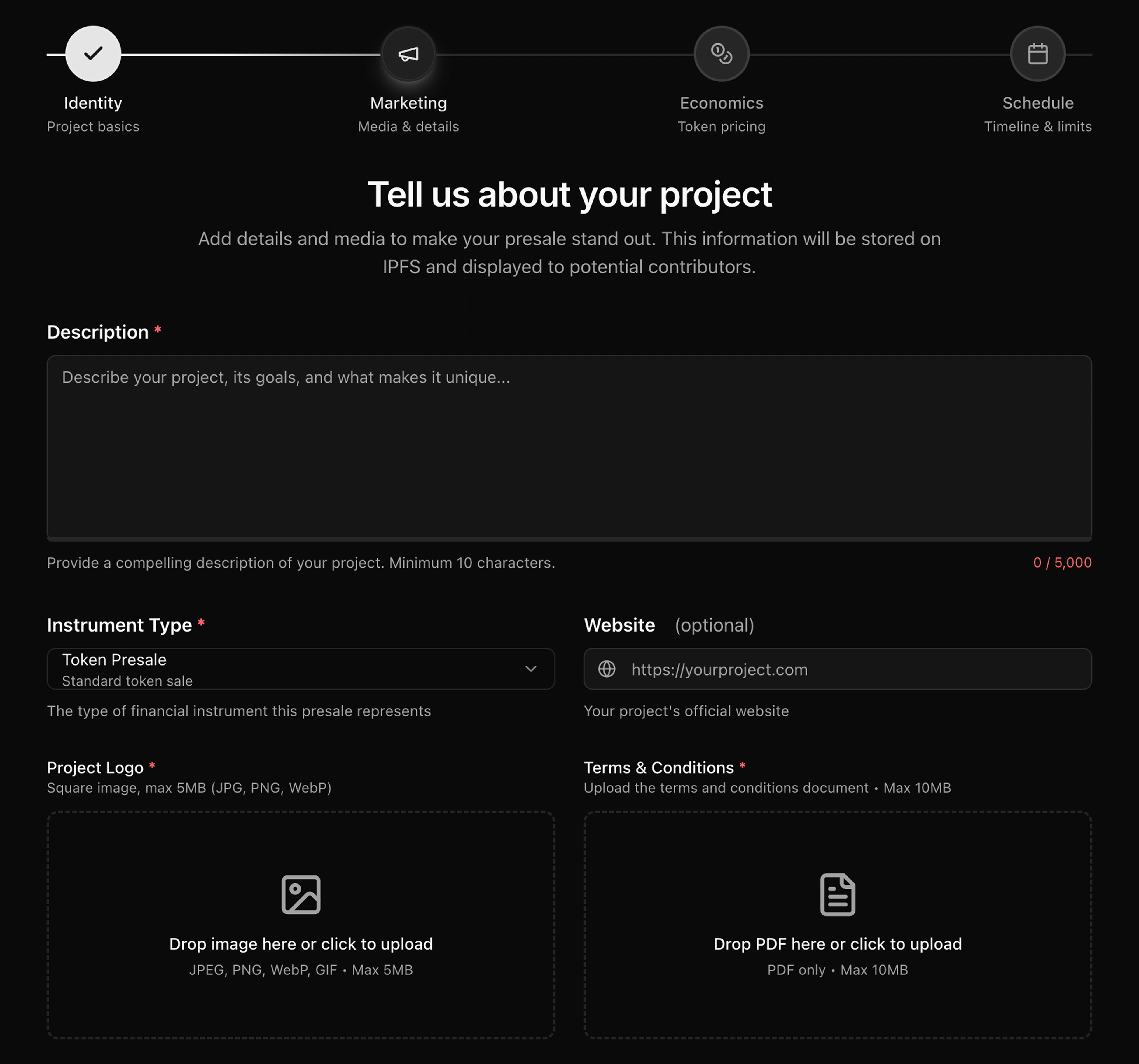
Upload your project logo, write a description, select the instrument type, add your website, and upload your terms and conditions PDF. The terms document is stored securely and its SHA-256 hash is stored immutably on-chain in the receipt token contract at deployment. Anyone can verify the document against the hash at any time.
Step 3 — Economics
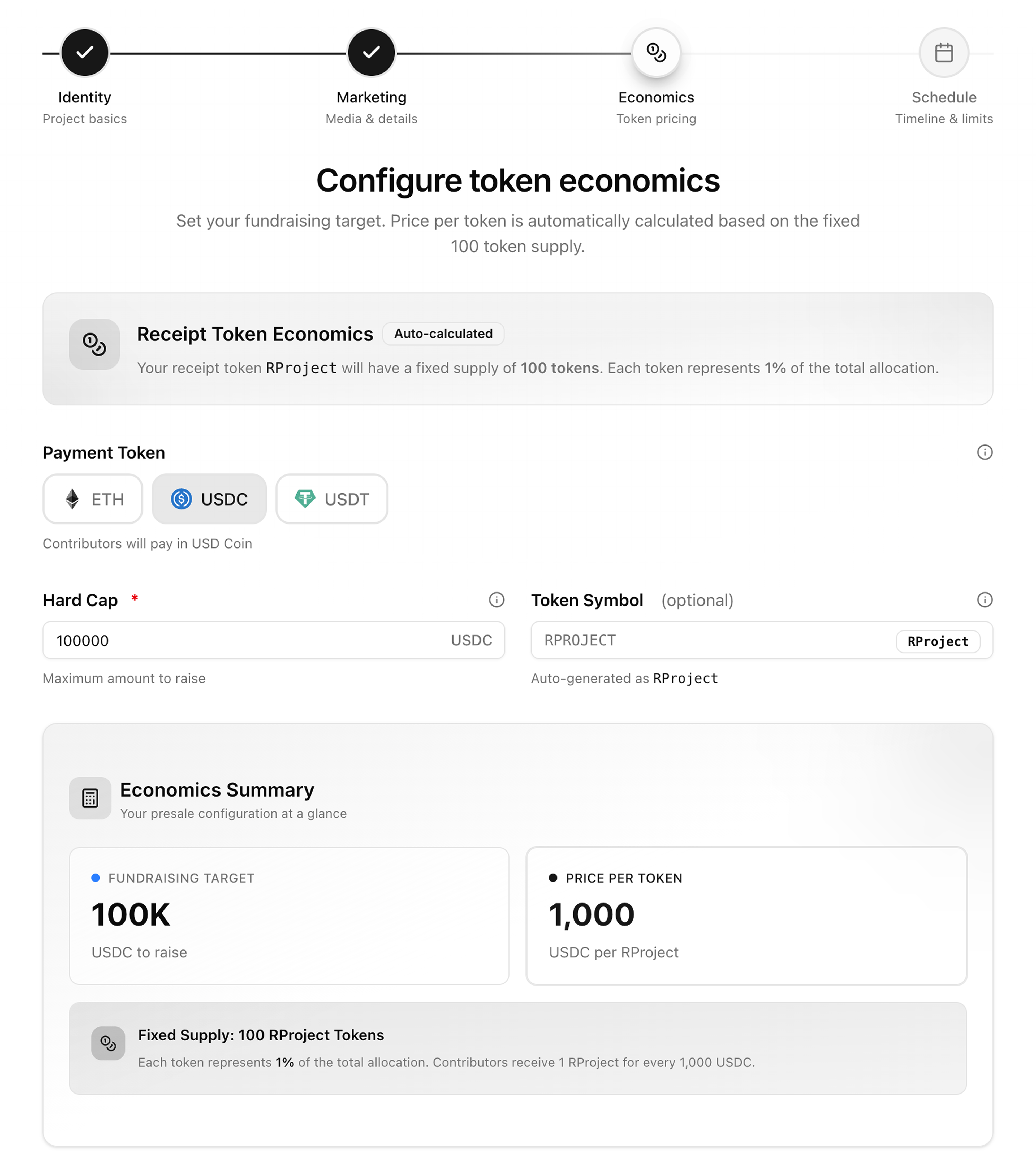
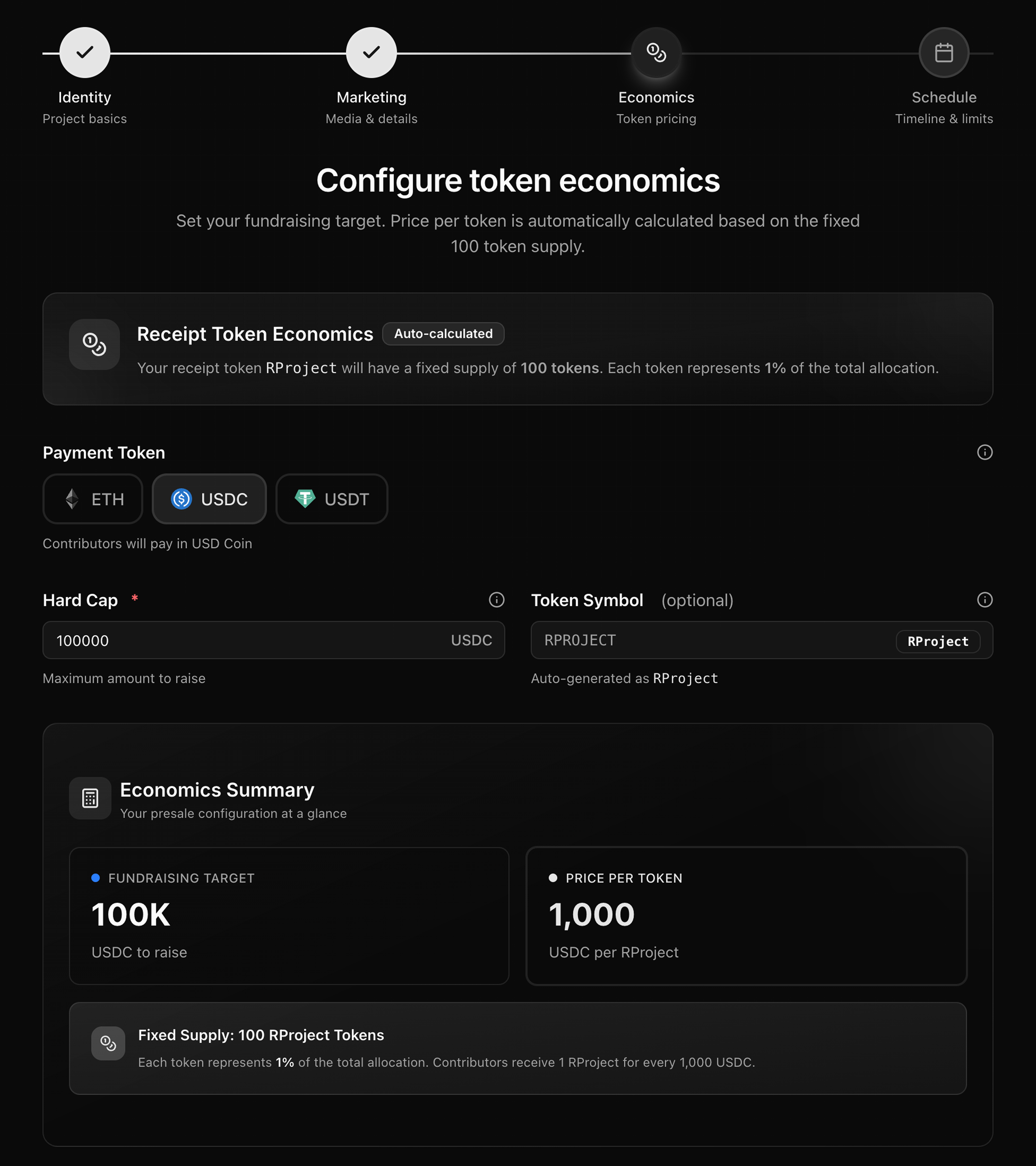
Set your payment token (ETH, USDC, or USDT) and hard cap. For Receipt Token Presales, the token price is automatically calculated based on your hard cap and the fixed 100 token supply. The Economics Summary shows your fundraising target, price per token, and fixed supply before you proceed.
For Standalone Presales, enter the total tokens for sale and the hard cap. The exchange rate and price per token are calculated automatically.
Step 4 — Schedule
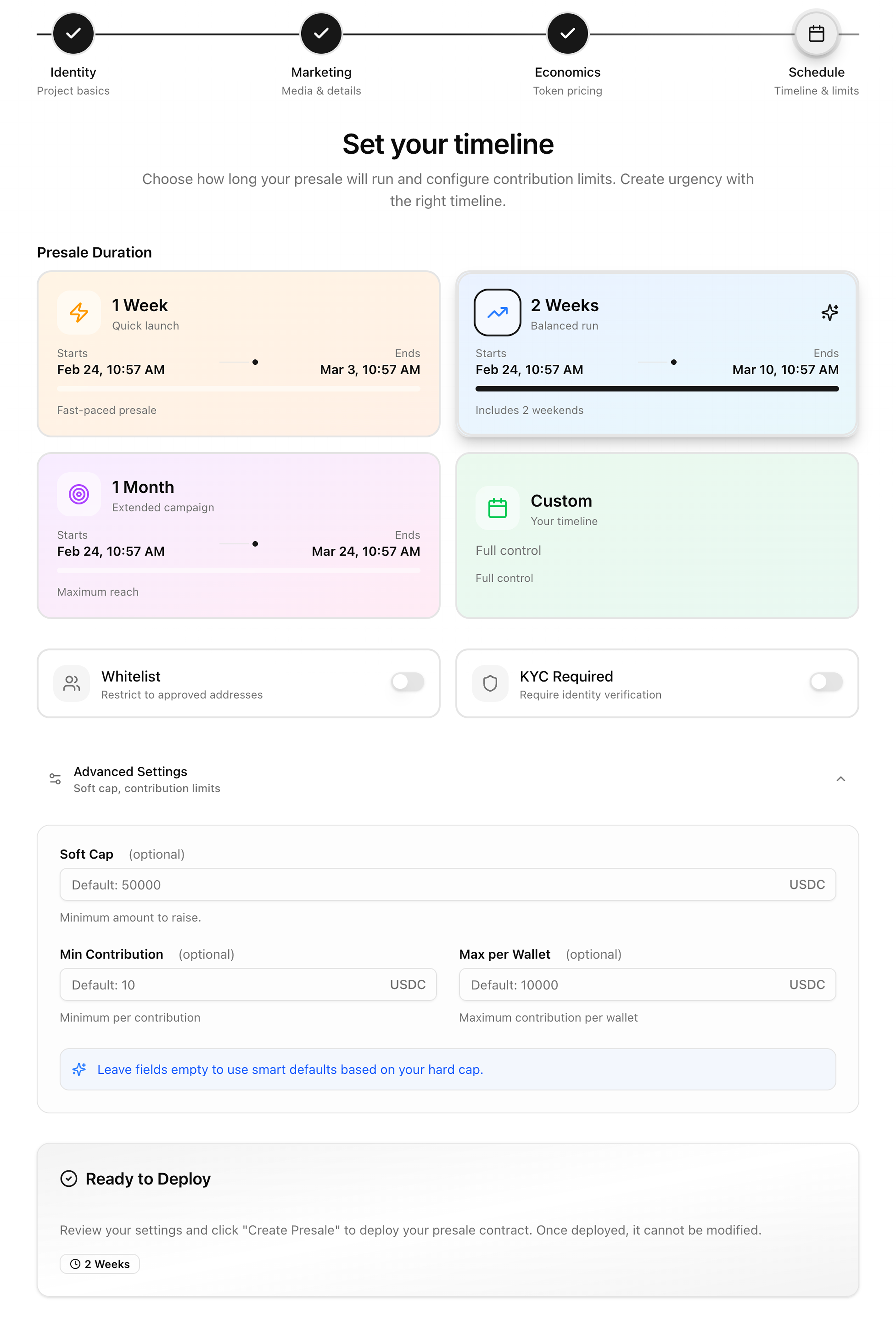
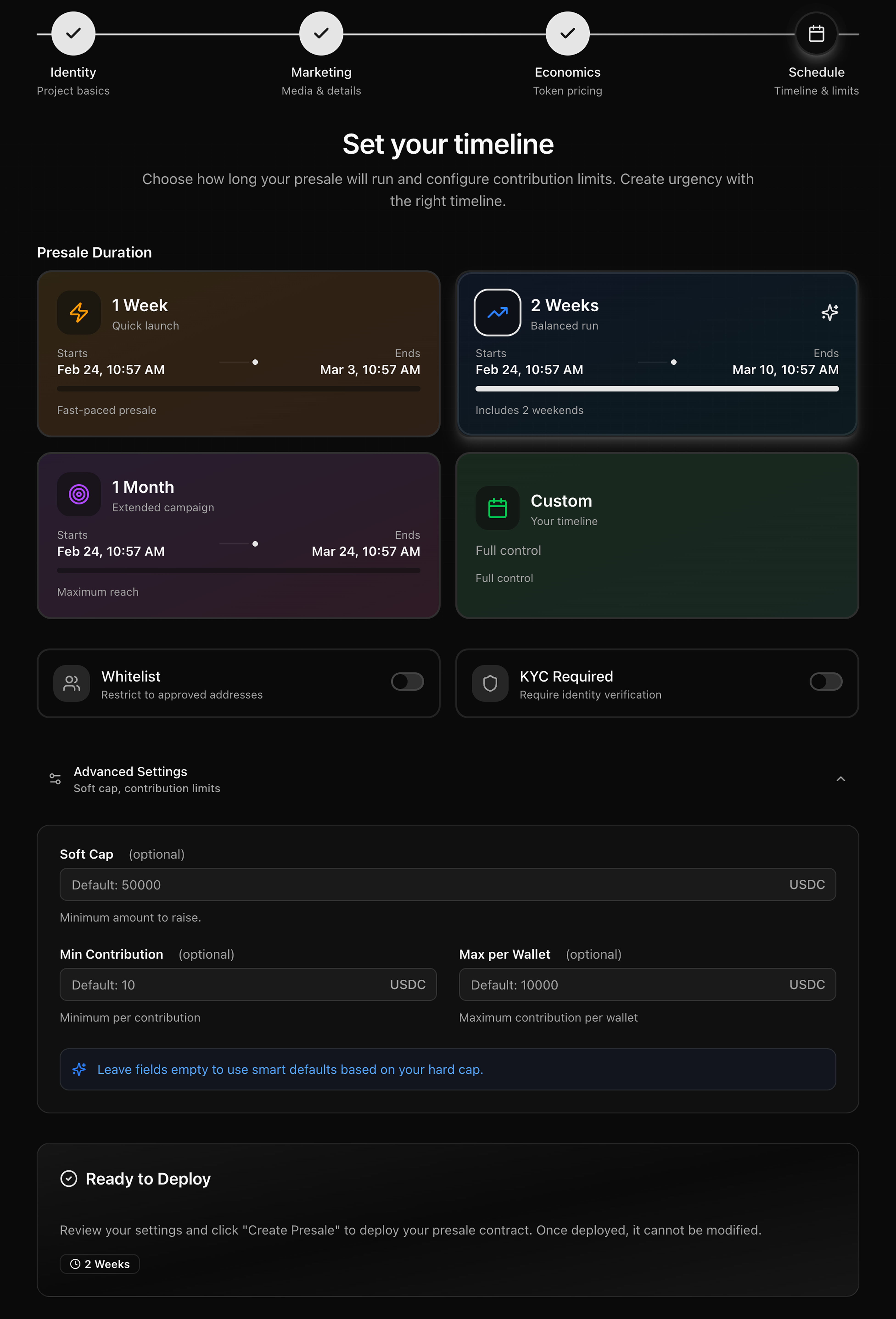
Choose your presale duration — 1 week, 2 weeks, 1 month, or custom. Set your whitelist and KYC requirements. Configure advanced settings including soft cap, minimum contribution, and maximum contribution per wallet.
Review the Ready to Deploy summary. Once you click Create Presale and confirm the transaction in your wallet, the contract is deployed and all core parameters are permanently locked. This action cannot be undone.